What are TikTok live stream games and how do you play them?
TikTok live stream games are games that viewers join directly during the stream with likes, follows and gifts. The streamer shares the screen, the game runs on its own or under the streamer’s control, and every action by a viewer gets a visible response on stage.
What is a live stream game?
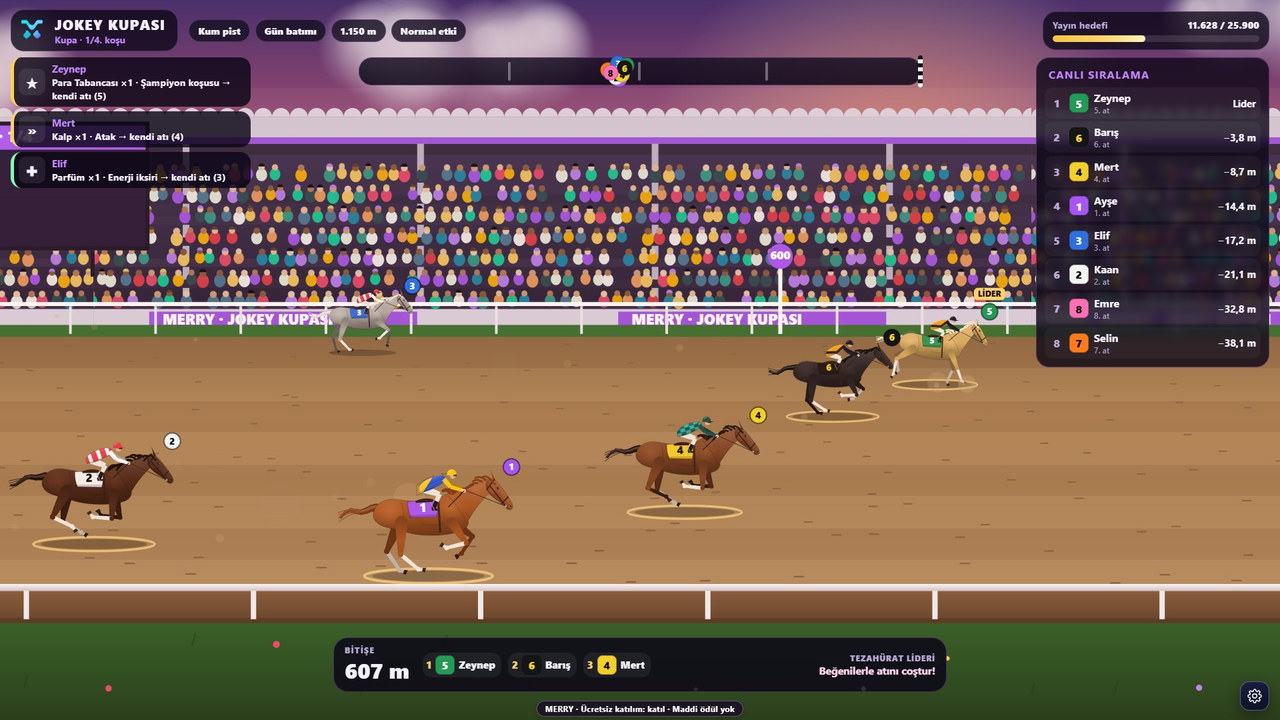
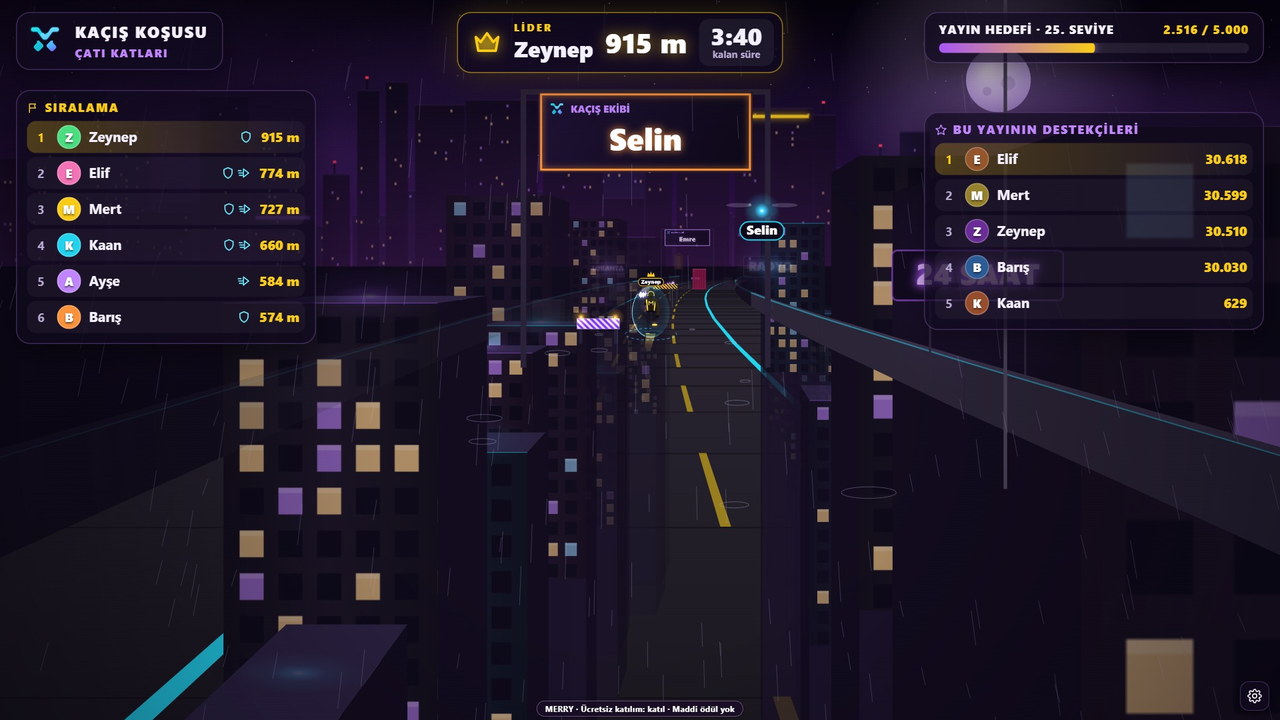
In a classic gaming stream, the viewer only watches. In a TikTok live stream game , however, the viewer is part of the game: the gift they send, the like they tap or the follow they give turns into an event in the game. For example, in Kaçış Koşusu (Escape Run), a runner carrying the name of every viewer who sends a gift enters the track; Jokey Kupası (Jockey Cup), the same goes for the horses.
These games do not run inside the TikTok app itself. The streamer opens the game on their computer, connects it to the stream with their TikTok username and adds the game window to the stream via OBS Studio or TikTok LIVE Studio. Viewers install nothing; they like, follow and send gifts as usual.
Game types: does the streamer play, or does the game run itself?
MERRY combines two approaches:
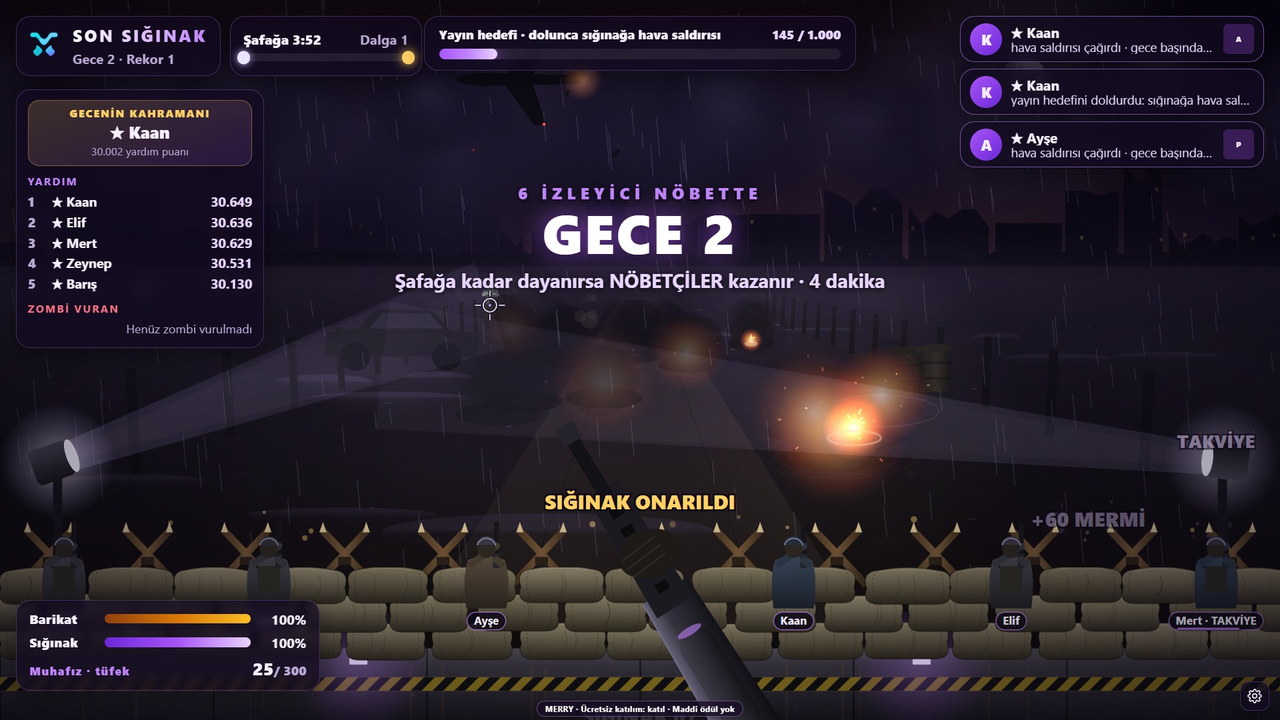
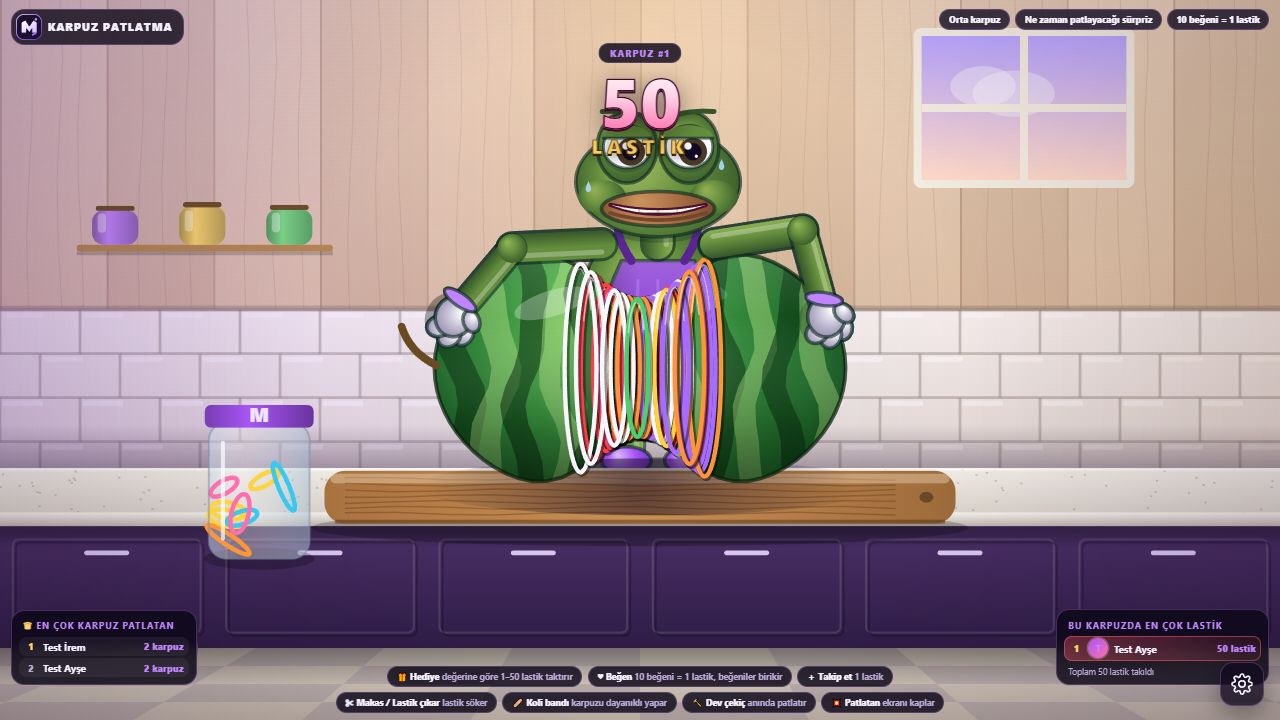
- Self-running games. Son Sığınak (Last Shelter), Kaçış Koşusu (Escape Run), , , , Köy Seferi, Lav Kulesi, Jokey Kupası (Jockey Cup), Balıkçı Koyu (Fishing Bay), Ritim Sahnesi (Rhythm Stage), Karpuz Patlatma (Watermelon Burst) ve Altın Avcıları (Gold Hunters) the streamer does not play. Rounds start and end on their own; the streamer talks with their viewers while the game fills the scene.
- Games controlled by the streamer. KAOS ROTASI, you drive the truck and gifts change the route. Sancak Savaşı (Banner War), two streamers become commanders and lead their armies with WASD. Built for Minecraft Java, Minecraft Battle Royale ve Bayrak Kapmaca (Capture the Flag) are server games where viewers join the match with gifts and likes.
Which type suits you depends on your streaming style. If your streams are chat-heavy, a self-running game fills the screen without keeping you busy; if you are a gaming streamer, KAOS ROTASI or the Minecraft games feel more natural.
How do viewers join the game?
There are three ways to join, and each game’s page has the details:
- Gifts. The first gift puts the viewer into the game; later gifts power up their own character according to coin value. Small gifts make small touches, big gifts make round-changing effects.
- Follow. A viewer who follows the stream also enters the game with a character carrying their name. The streamer can switch this on or off from the panel.
- Likes. A viewer who sends the number of likes set by the streamer joins the game; during the round, likes speed up or help their own character.
In most MERRY games one character per viewer rule applies, and no gift ever harms another viewer’s character. That way even someone sending a small gift sees their name on screen, and nobody drifts away from the stream feeling “the biggest gift wins”. Comments, meanwhile, do not affect the game; chat flows freely. The only exception is Slime Atölyesi (Slime Workshop): Lila answers game-related comments out loud in Turkish.
What does the streamer do?
The streamer’s job is not to play the game but to run the stream. In practice a stream goes like this: you open the game in MERRY Launcher or in the browser, type your TikTok username and press Connect, then add the game window to your OBS or TikTok LIVE Studio scene. Then you invite your viewers: “Send a gift and your horse hits the track, follow and it does too.” When the round ends, you read out the winner and wait for the next round.
What you can adjust from the panel varies by game: how many likes earn a character, whether a follow grants entry, round length or difficulty. In KAOS ROTASI you even choose what each gift does. For detailed setup, see How to set up a TikTok LIVE game guide.
What do you need, and how long does it take?
A MERRY account is free to create. Access to the games from the store is unlocked with time-limited licences bought there; each game has its own licence, there is no subscription. Payment is made on Shopier’s secure page and the confirmed licence is assigned to your account. For Windows you download MERRY Launcher; live stream games also open in an up-to-date browser (Chrome or Edge). Minecraft games additionally require Minecraft Java 1.20.1.
Creating an account and getting the first game on stream usually takes less than ten minutes. The part that takes longest is arranging the OBS scene the way you want it. If you are curious what gifts do in the game, the TikTok gift game article explains exactly that.
FAQ
Do I need TikTok’s permission for a TikTok live stream game?
No. The game reads TikTok’s public LIVE data (like, follow and gift events); it never asks for your TikTok account password. You still need to verify TikTok’s LIVE and gift conditions (age and account requirements) on your account.
Do viewers have to download anything?
No. Viewers like, follow and send gifts in the TikTok app as usual. The game only runs on the streamer’s computer.
Can I use a game when streaming from my phone?
Adding the game window to your stream requires a computer and OBS Studio or TikTok LIVE Studio. You can add your phone camera to the computer stream, but the game itself opens on the computer.
Which game should I start with?
For chat-focused streams, a self-running game (Jokey Kupası, Kaçış Koşusu, Son Sığınak) is a good start. If you are a gaming streamer, KAOS ROTASI or Minecraft Battle Royale feels more natural. The full list is on the /oyunlar page.