TikTok LIVE stream game · Watermelon smashing

Karpuz Patlatma: every band squeezes a little tighter, the last one bursts it.

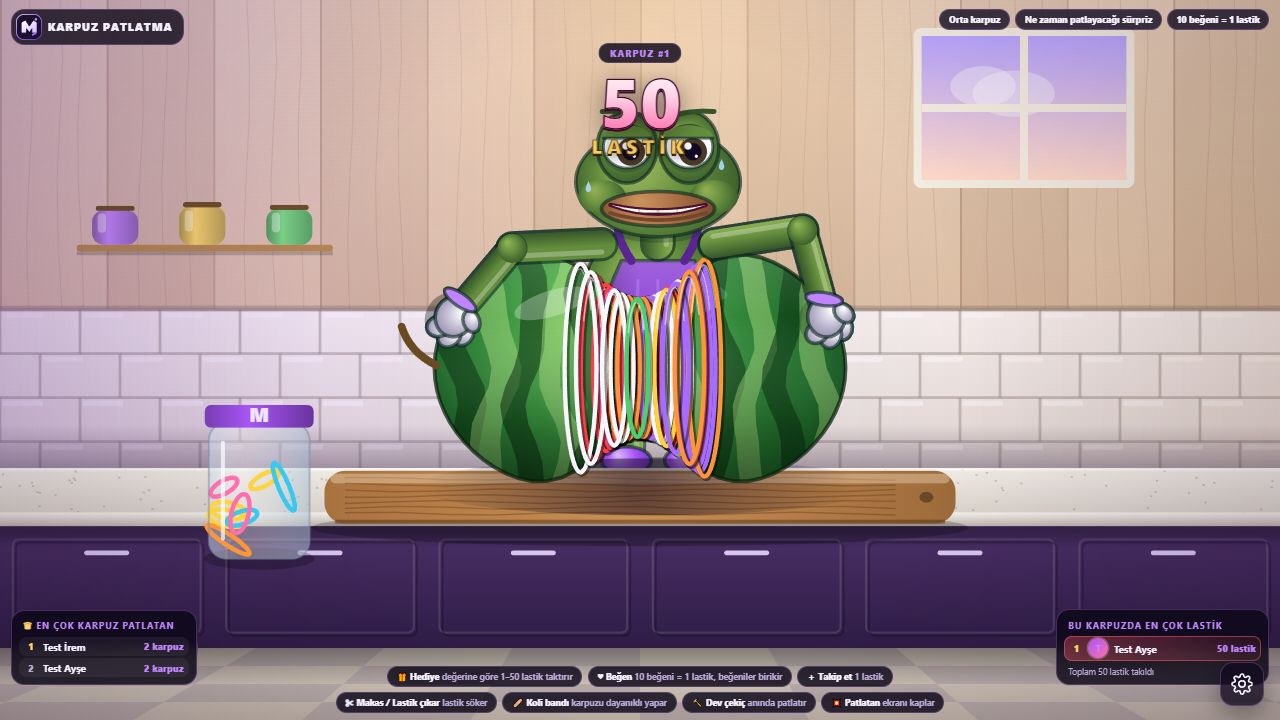
A huge watermelon on the table, a character beside it. For every gift, like and follow, the character stretches a rubber band in the sender’s name and slips it around the watermelon’s waist. As the bands pile up, the melon thins, cracks, drips juice and bursts at the count the streamer chooses.

  • Runs on its own
  • Join with likes, follows and gifts
  • No installation needed
Karpuz Patlatma: the frog character slipping a new band onto a watermelon at 90/100 bands, rubber bands on the kitchen counter
Footage was recorded inside the game; viewer interactions were simulated in test mode.
How does the game work?

The streamer doesn’t play, the game runs on its own.

You go live and put the game on screen. Rounds start and end on their own; your viewers decide what happens on screen.

The watermelon lands on the table

In the panel, the streamer picks the watermelon size (small, medium, large, giant) and how many rubber bands it takes to burst (10–1000); optionally the threshold can be randomised by ±15% so nobody knows the exact number.

The game plays itself

The character stretches each band in the queue and slips it around the watermelon’s middle; as the bands pile up, they go on in bunches. All that’s left for you is to keep streaming and talk to your viewers.

Gifts steer the game

Depending on the gift’s value it adds 1, 5, 10, 25 or 50 bands. Every band is credited to the sender; who added how many bands is shown on screen.

The watermelon bursts

As it nears the threshold, the watermelon thins, cracks and drips juice. The viewer who adds the last band pops the watermelon; the result card shows them and the top band adders, then a new watermelon lands on the table.

How do viewers join?

Gift, follow or like: the character adds bands in your name.

Every gift, like batch and follow turns into one or more bands. From the panel, the streamer sets how many likes earn a band and whether a follow earns one. Bands are added in order; nobody loses their turn.

Like

The number of likes set by the streamer (1, 5, 10, 20 or 50) equals one rubber band. Likes accumulate per viewer; leftover likes count towards the next band.

Follow

A viewer who follows gets a rubber band added in their name. The streamer can turn this off in the panel.

Gift

Depending on the gift’s value: a band, a bundle of bands, a thick band, a band pack or a giant squeeze, from 1 to 50 bands.

In the game, a viewer who joins band-slinger ; their name appears on the band and in the list. Comments have no effect on the game; the chat flows freely.

What do gifts do?

Every gift changes something in the game.

The game turns each incoming gift into an effect based on its value. Small gifts make small touches; big ones change the whole round.

Small gifts

A rubber band (+1) and a band bundle (+5) slowly squeeze the watermelon.

Medium gifts

A thick band counts as 10 bands on its own; a band pack adds 25 bands.

Big gifts

Giant squeeze slips on 50 bands at once; the watermelon visibly tightens. The more gifts, the more bands.

Likes

The number of likes chosen by the streamer equals one rubber band; likes accumulate per viewer.

What do you need?

No installation, you're live in a few minutes.

FAQ

About Karpuz Patlatma frequently asked.

Does the streamer have to play the game?

No. Karpuz Patlatma runs on its own. You go live and put the game on screen; your viewers’ gifts, likes and follows squeeze the watermelon until it bursts.

How do viewers join the game?

All they need to do is like, follow or send a gift; the watermelon is always on the table. Every gift, like bundle and follow turns into a rubber band; the character puts the band on in the sender's name, and their name appears on screen.

Do comments affect the game?

No. Comments don’t affect the game; chat flows freely. Only likes, follows and gifts steer the game.

How do I add the game to my stream?

Open the game in MERRY Launcher or in your browser and connect with your TikTok username. Then add the game window to your scene via window capture in OBS Studio or TikTok LIVE Studio.

From inside the game

Screenshots: this is how the game looks on stream.

The images were captured from the current version of Karpuz Patlatma; viewer names and interactions were simulated in test mode. Tap an image to enlarge it.

Karpuz Patlatma vertical stream view: 98/100 bands, the character putting on a band for Mert

The same game in a vertical stream

In a 9:16 vertical stream window Karpuz Patlatma switches its HUD to a vertical layout: scoreboard on top, the scene in the middle, the join call at the bottom. Just open a vertical canvas in OBS or TikTok LIVE Studio and capture the game window.

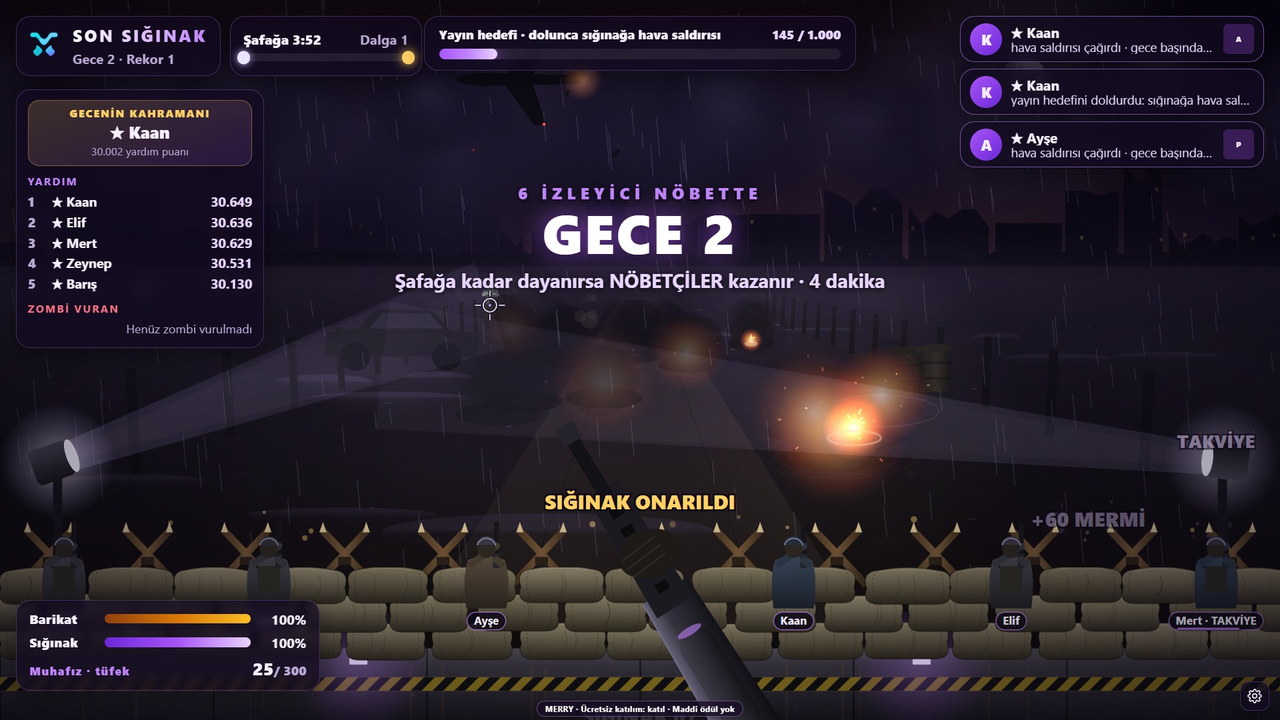
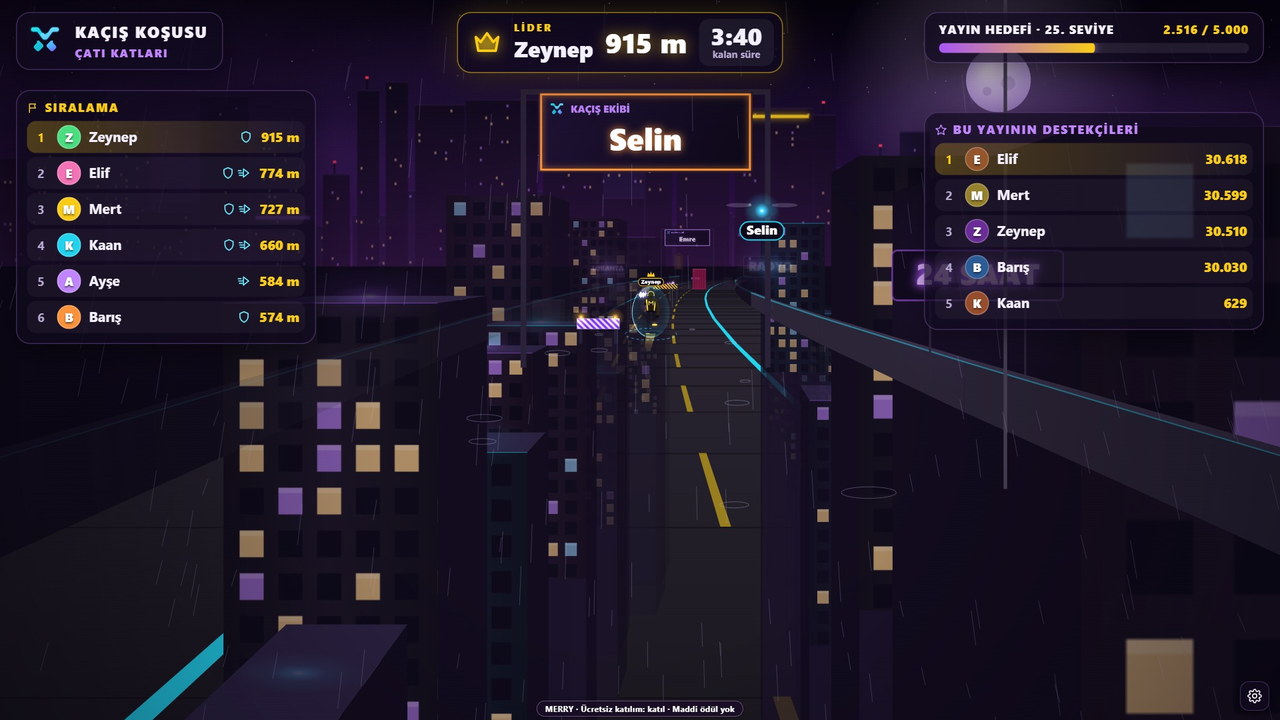
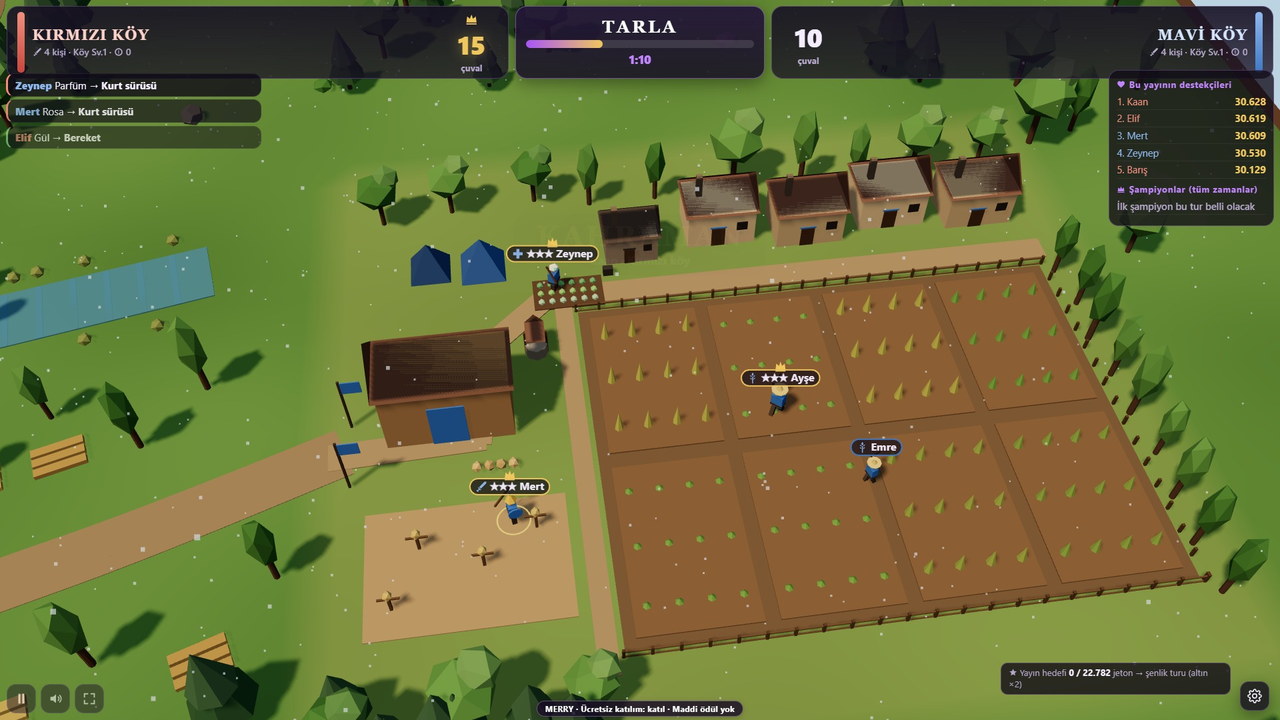
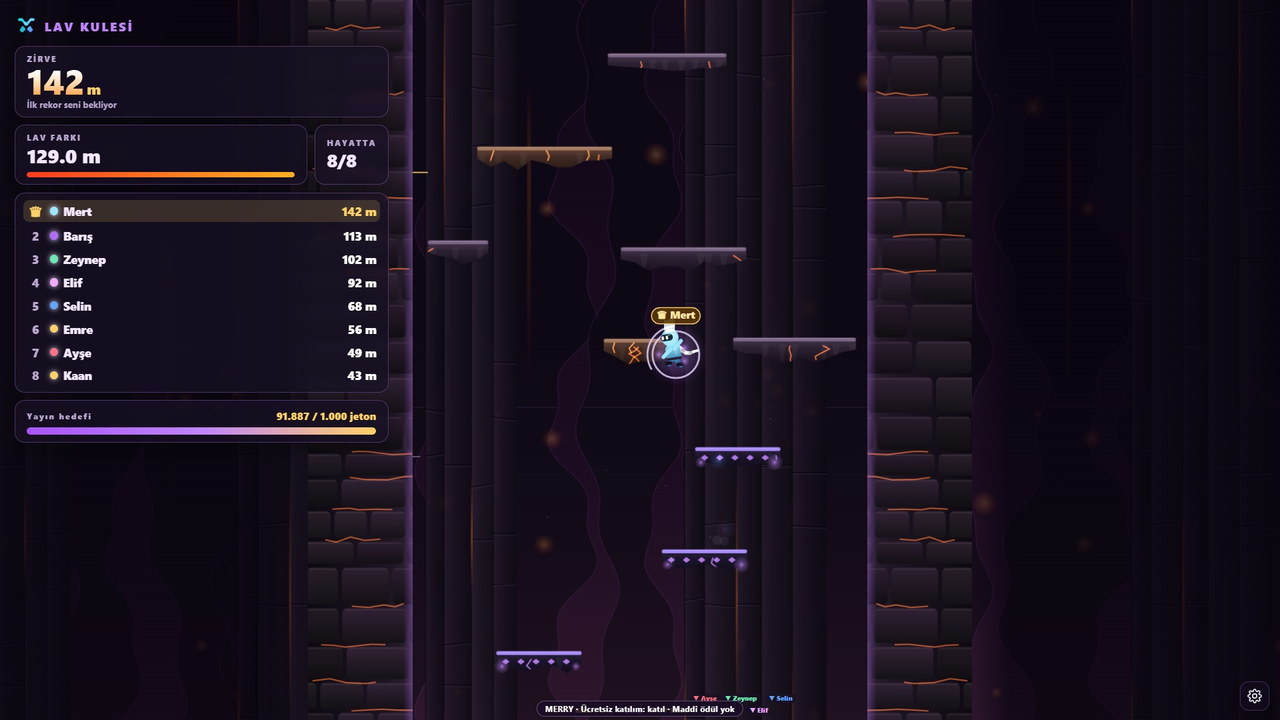
Other live stream games

Fits your stream pick another game too.

Put Karpuz Patlatma on stage in your next stream.

Pick your licence, put the watermelon on the table and invite your viewers. The rubber bands handle the rest.