Lobby opens
There’s a short join window before every round. A viewer who likes, follows or sends a gift enters the game.
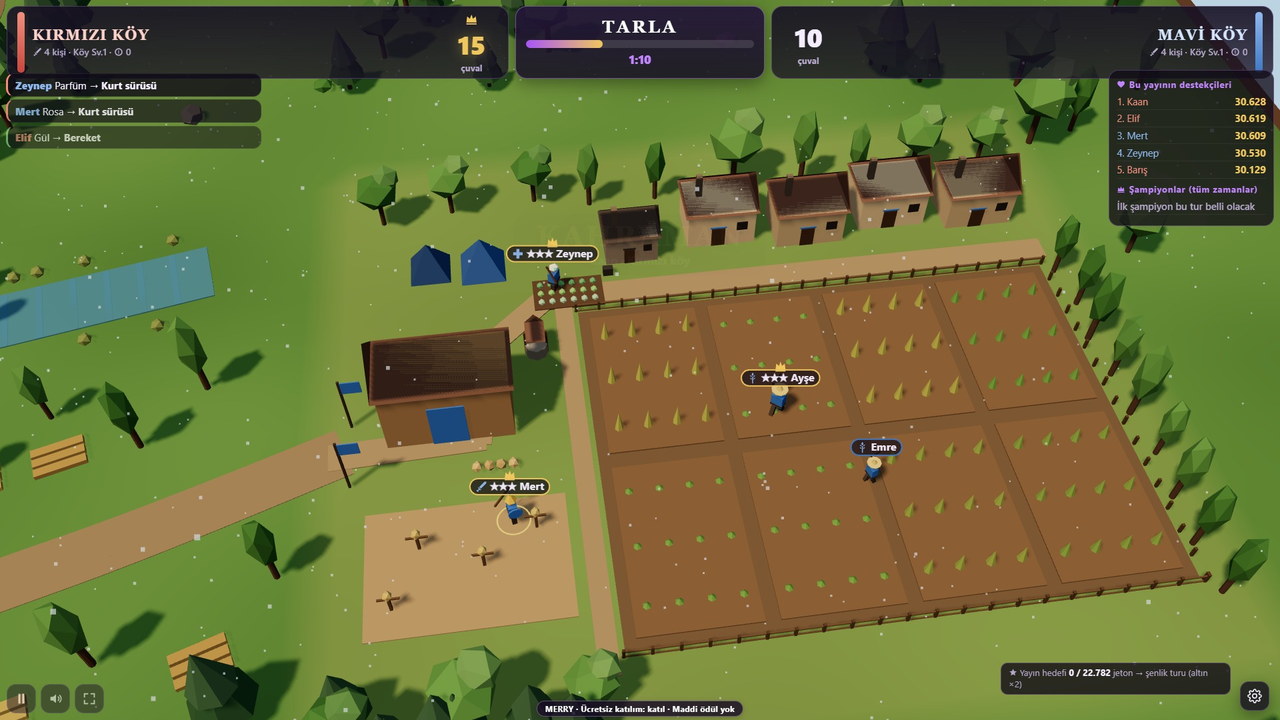
The Red and Blue villages first work their fields on their own, then send the harvest off by caravan. While one village’s caravan is on the road, the other turns to banditry. The village with more gold at the end of the round wins.
You go live and put the game on screen. Rounds start and end on their own; your viewers decide what happens on screen.
There’s a short join window before every round. A viewer who likes, follows or sends a gift enters the game.
Köy Seferi runs the round on its own. All that’s left for you is to keep streaming and chat with your viewers.
Every incoming gift gets an instant response in the game. Who sent what is shown on screen.
The lobby lasts one minute, the farming phase about two minutes, the expedition two and a half minutes. After the summary, a new round starts automatically.
A viewer who sends a gift or follows settles in a village with a villager carrying their name; a viewer who reaches the like count set by the streamer (100 by default) joins too. Each viewer gets a single villager; its role (farmer, soldier, healer, lumberjack, blacksmith or scout) is assigned automatically, the villages are kept balanced, and the screen shows who joined which village. There are no automatic villagers in the fields; a round won’t start until at least two real viewers join. The villager’s rank rises as you send more gifts.
Reaching the number of likes chosen by the streamer puts the viewer in a village. While in a village, their likes work only for their own village (default: harvest).
A viewer who follows you joins the village with their own villager and brings +3 sacks to the barn. The streamer can turn this off in the panel.
A viewer who sends a gift always joins a village; their gift works only for their own village — it brings bounty to the village or launches a raid on the rival village in its name.
In the game, a viewer who joins villager and their name appears on screen. Comments have no effect on the game; the chat flows freely.
The game turns each incoming gift into an effect based on its value. Small gifts make small touches; big ones change the whole round.
Blessing, reinforcements and hero strengthen the sender's own village and own villager.
Wolf pack, storm and bandit raid press the rival village on behalf of the sender’s village: in the race between the two villages, this is your own village’s move. No gift ever harms your own village.
Makes the top gifter's villager the golden hero for that round: triple health, double power.
Following or enough likes place you in a village; while you’re in a village, your likes go only to your own village with the effect the streamer chose.
No. Köy Seferi runs on its own. You go live and put the game on screen; your viewers’ participation and gifts shape each round.
Sending a gift or following is enough; reaching the like count set by the streamer gets them in too. A viewer who joins becomes a villager carrying their own name in the game. A round won’t start until at least two viewers join.
No. Comments don’t affect the game; chat flows freely. Only likes, follows and gifts steer the game.
Open the game in MERRY Launcher or in your browser and connect with your TikTok username. Then add the game window to your scene via window capture in OBS Studio or TikTok LIVE Studio.
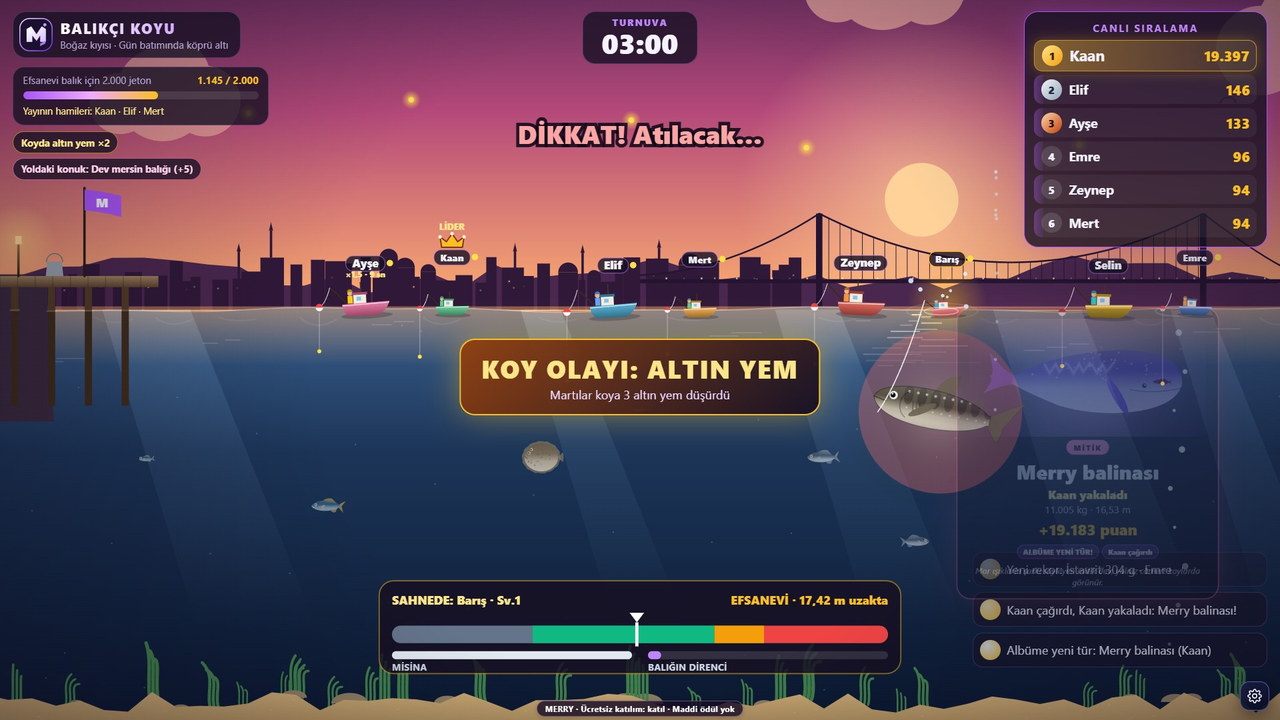
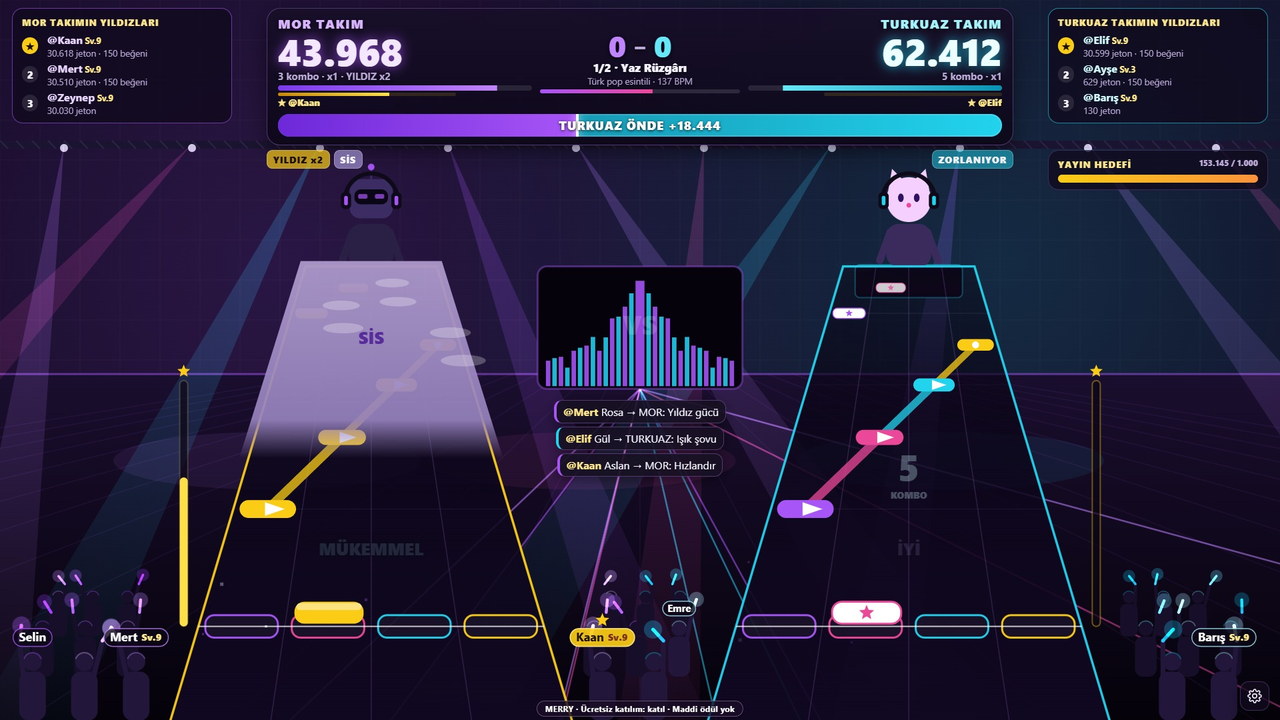
The images were captured from the current version of Köy Seferi; viewer names and interactions were simulated in test mode. Tap an image to enlarge it.
 Join a villageTwo villages, one field: viewers settle in the villages with their villagers.
 Field phaseThe red village ploughs the field; villagers with their names in the field.
 Caravan roadThe mountain road and the caravan route with the free camera.

In a 9:16 vertical stream window Köy Seferi switches its HUD to a vertical layout: scoreboard on top, the scene in the middle, the join call at the bottom. Just open a vertical canvas in OBS or TikTok LIVE Studio and capture the game window.
Pick your licence, open the game and invite your viewers. The game and your viewers handle the rest.
Guide: to see the setup step by step How to set up a TikTok LIVE game, for what gifts do in the game TikTok gift game, for more participation 10 ways to boost engagement.