

Start your stream
Start your TikTok live stream as usual. Enter your username in the panel and connect to the stream.
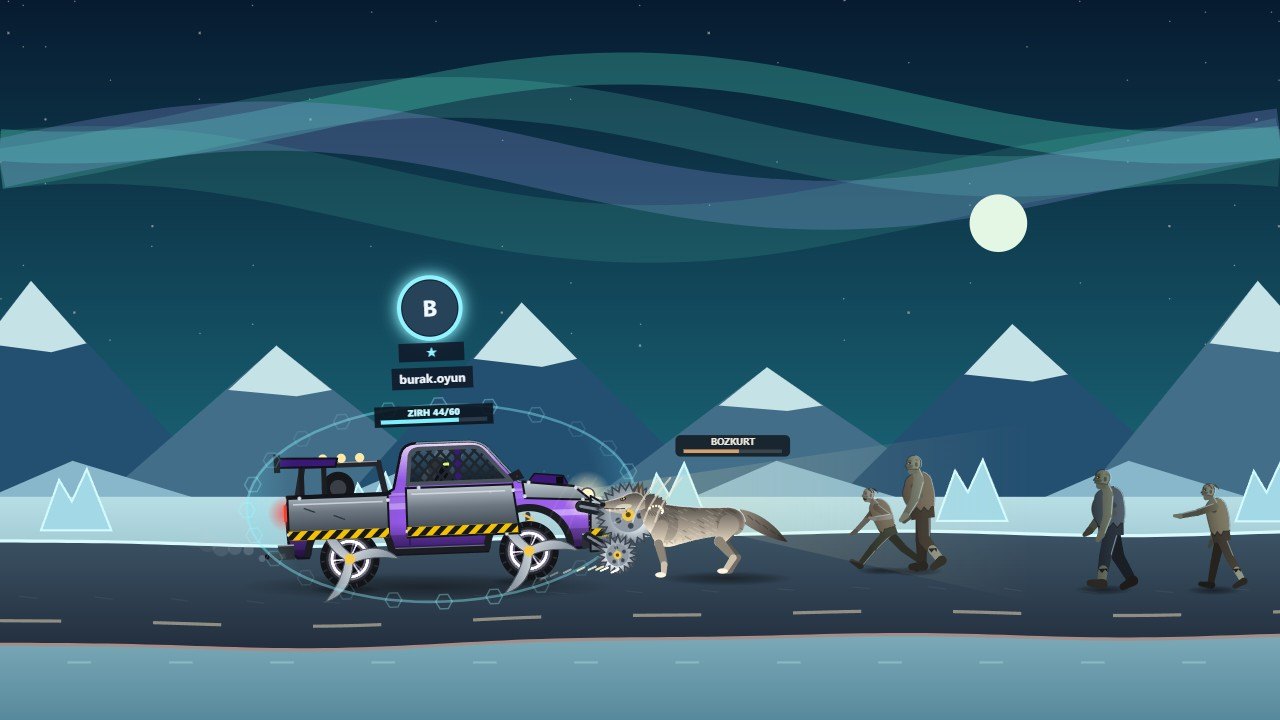
Your viewers send gifts; some push you forward, some pull you back. On a zombie-packed road, armour, spinning blades, a roof gun and turbo turn every round into a different story. You decide what each gift does.

The demo below is the game itself, playing on its own: zombie hordes, wolf and stone guardian attacks, armour, knives and nitro. Gifts and viewer names are samples; in a real stream, your viewers decide all of it.
The road changes every round: desert, glacier and seashore. Images taken from the trailer.
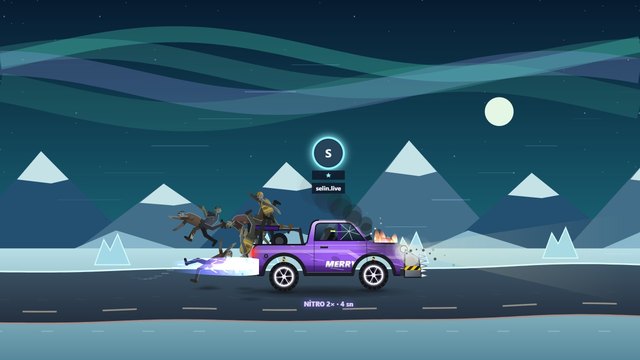
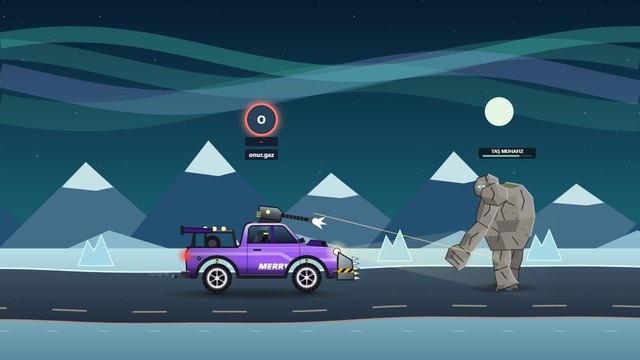
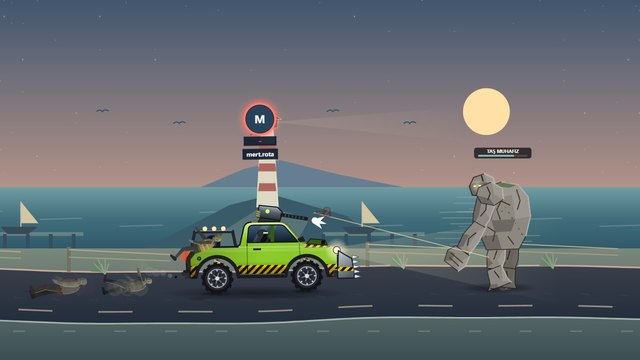
Connect to your stream, choose what the gifts do and set off with your viewers.
Start your TikTok live stream as usual. Enter your username in the panel and connect to the stream.
Which gift should push forward, which should give armour? You set the mappings that fit your stream.
Every incoming gift steers the race. Your vehicle gets stronger, obstacles multiply, the competition heats up.
Your viewers see their names in the game. They share the moment they change the race with you.
Your gift mappings and settings are stored in your account.
Guide: to see the setup step by step How to set up a TikTok LIVE game, for what gifts do in the game TikTok gift game, for more participation 10 ways to boost engagement.