What to look for when choosing a live stream game platform?
The most common mistake when choosing a game platform for TikTok LIVE is looking at the game list first. Games change; the licence model, how gifts are processed, the comment rule, setup and support language are things you face in every stream. The checklist below is useful whichever platform you pick; under each item you will also find MERRY’s answer to that question.
1. Licence model: subscription or time-limited licence?
There are two common models. Subscription unlocks all games for a monthly fee; it suits streamers who try many games, but you also pay in months you do not use it. Time-limited game licence unlocks the game you choose for the period you choose; for a streamer who regularly streams one game it is usually more economical. What to ask: what happens when I stop paying, is the licence tied to my account or my device, and can I use the same licence on two computers?
MERRY’de: there is no subscription; from the store you pick a game and a period, and the licence is assigned to your MERRY account and tied to that game. When the period ends, game access closes, but your account and settings remain. Creating an account is free.
2. How are gifts processed into the game?
A gift game turns a gift by name or by coin value ? A game that reads by name has to wait for an update whenever TikTok releases a new gift. A game that reads by value tiers every gift automatically. Second question: can the streamer change a gift’s effect, or is it fixed? Third: can the top gifter take over the whole screen on their own?
MERRY’de: self-running games sort gifts into small, medium and large tiers by coin value; KAOS ROTASI, the streamer decides what each gift does. In most games one character per viewer rule applies, and no gift ever harms another viewer’s character. Details are in TikTok gift game article.
3. Do likes and follows count too?
A game that runs on gifts alone leaves out viewers who do not send gifts, and the stream takes on a “throw money at it” feel. Games that count likes and follows as participation work far better in small streams. It matters that you can set the threshold (how many likes earn an entry): raise it in a busy stream, lower it in a small one.
MERRY’de: a viewer who follows enters the game with a character carrying their name, and so does one who sends the number of likes set by the streamer. Both settings can be switched on and off from the game panel.
4. Do comments affect the game?
In games that take commands from comments, chat fills up with command lines; viewers cannot talk to each other and you cannot read the comments. Some streamers like that, most do not. Check whether the platform has a clear rule on this, or whether it varies from game to game.
MERRY’de: the rule is clear: comments do not affect the game, and chat flows freely. The only exception is Slime Atölyesi (Slime Workshop): Lila answers game-related comments out loud in Turkish, but that is conversation, not a command.
5. Does the streamer have to play?
For a chat streamer, controlling a game is a burden; for a gaming streamer, a stream without a controller in hand feels incomplete. Does the platform offer both types? How long is a round in the self-running games, and is there a results screen?
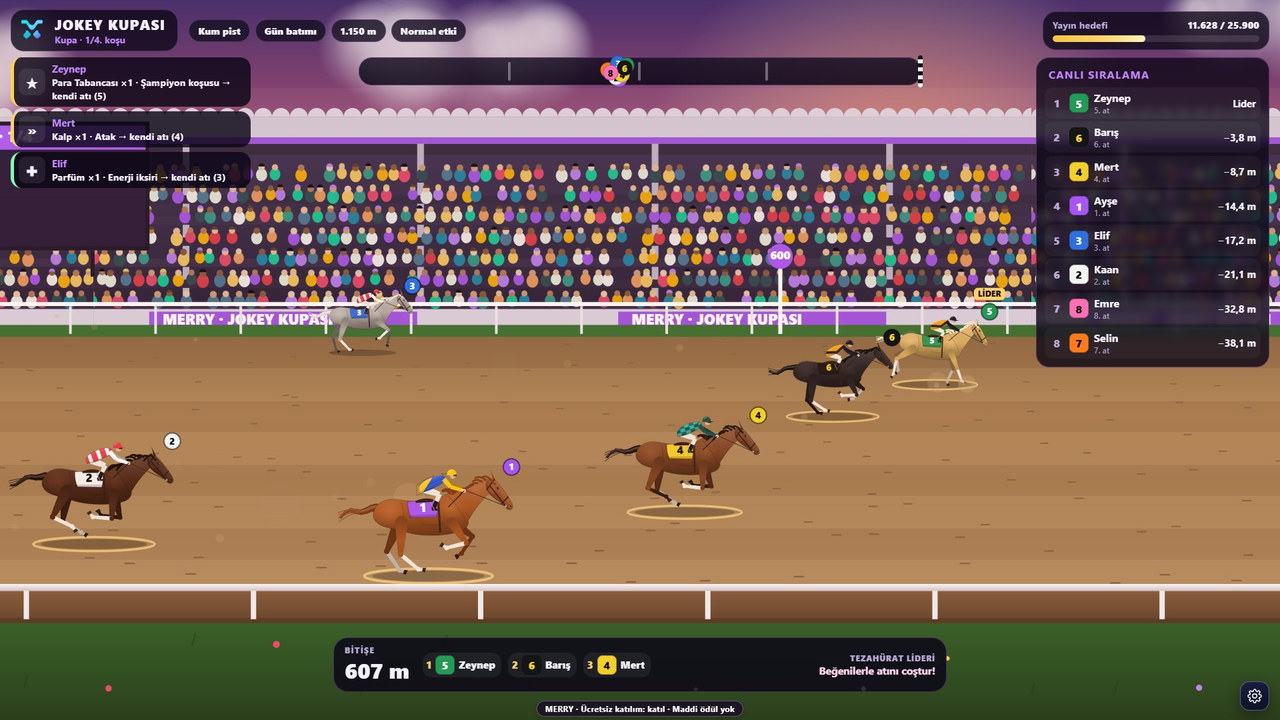
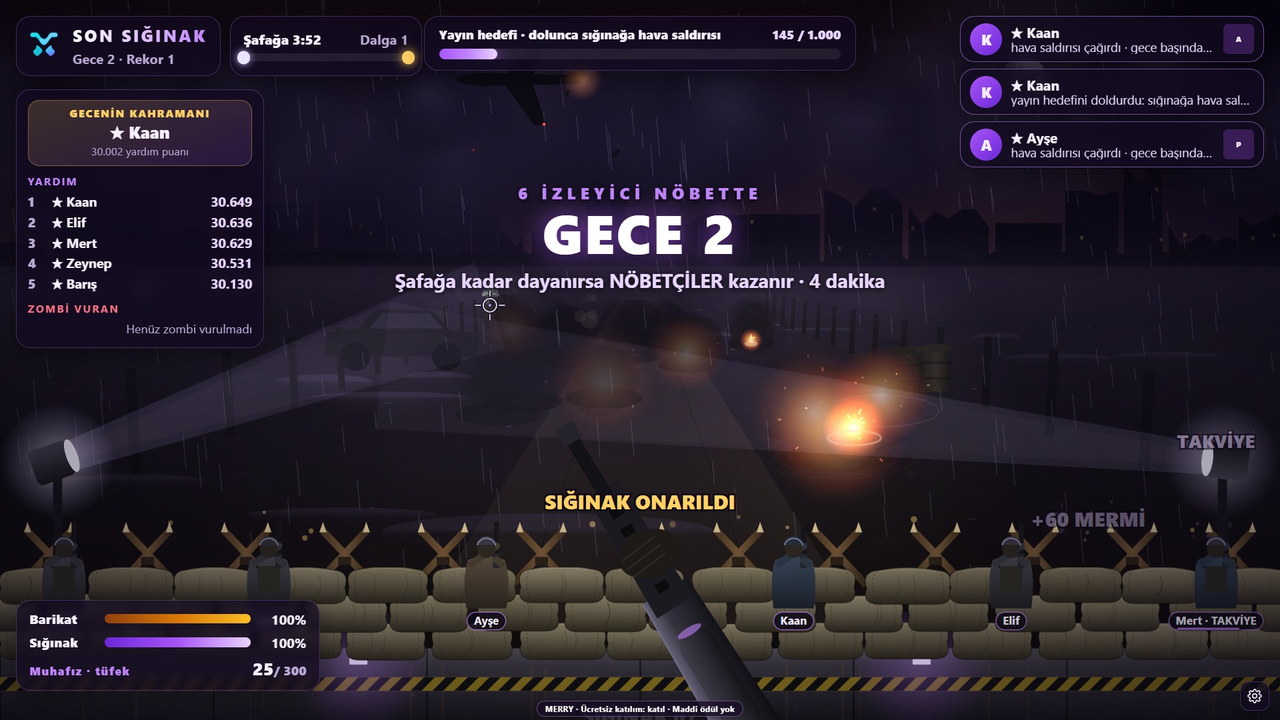
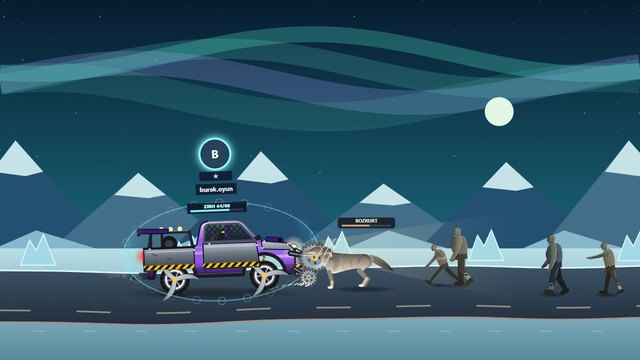
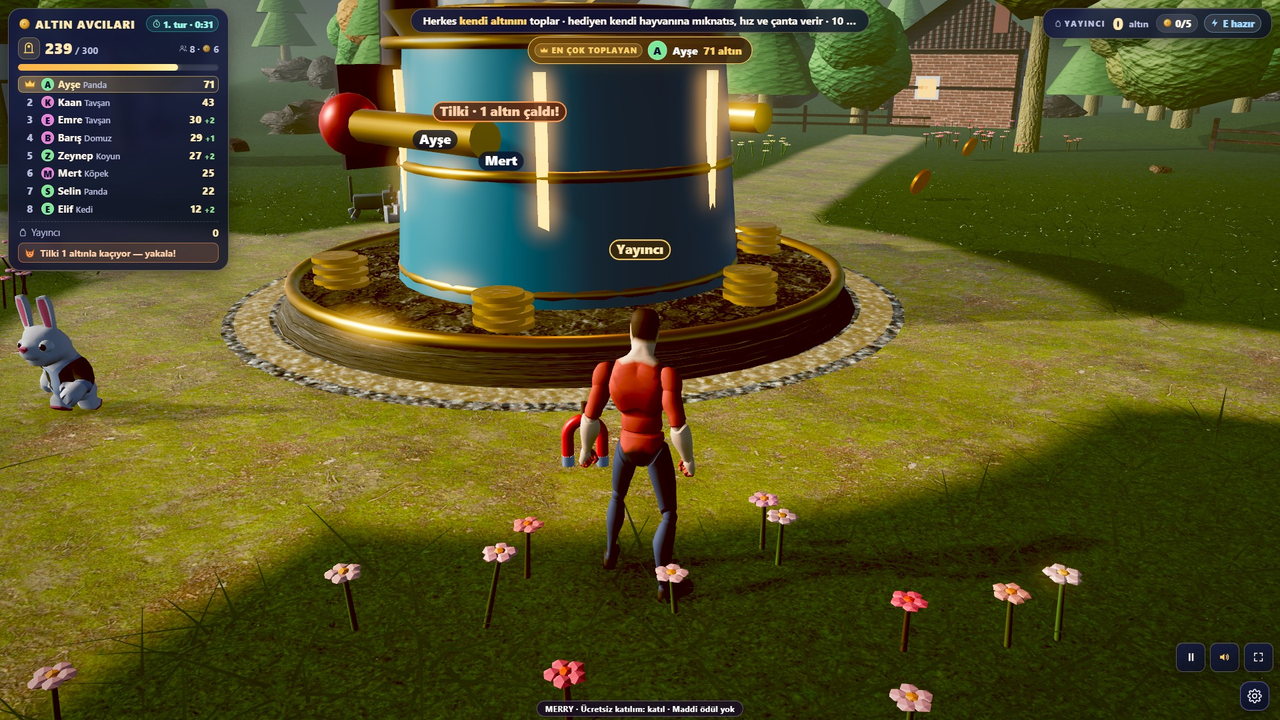
MERRY’de: Jokey Kupası (Jockey Cup), Son Sığınak (Last Shelter), Kaçış Koşusu (Escape Run), Karpuz Patlatma (Watermelon Burst) ve Altın Avcıları (Gold Hunters) the streamer does not play; rounds last a few minutes and end with a result screen. In KAOS ROTASI you drive the truck, Sancak Savaşı (Banner War), two streamers become commanders; for Minecraft Java, Battle Royale ve Bayrak Kapmaca (Capture the Flag) there is.
6. Setup and launcher
Does the game open in the browser, does it need installing, or are both possible? If there is a launcher, which operating system does it support, and does it update itself? Does it give you a separate window to add to OBS Studio or TikTok LIVE Studio, and is there a stream view that hides the menus?
MERRY’de: live stream games open in an up-to-date Chrome or Edge; for Windows, MERRY Launcher downloads, installs and updates the game. The game window is added to the scene with window capture, Stream view button hides the menus. A step-by-step walkthrough is in the in the setup guide.
7. Maintenance, updates and game removal
What happens when a game goes into maintenance or is removed? Does its page throw an error, is it still on sale in the store, what is a streamer who bought a licence told? These questions show how well the platform is maintained.
MERRY’de: every game has a status (live, in maintenance, removed). A game in maintenance is flagged on its page and in the store; a removed game disappears from the sitemap, the store and the lists, and its page returns a “removed” response. The Launcher installs updates with one click.
8. Language and support
What language are the interface, in-game text, gift names and result screens in? If the words viewers read on screen are not in their language, you end up explaining every round. Is there a support channel, at what hours, in which language?
MERRY’de: the site, games, in-game text and gift names are in Turkish; support is via the contact page provided in Turkish.
9. Price transparency and payment
Are prices listed on the page, or does it say “message us”? Which payment provider and currency are used; are card details stored on the platform? When and how is the licence delivered?
MERRY’de: prices and durations store page; payment is made in Turkish lira on Shopier’s secure page, and your card details never pass through MERRY’s server. Once confirmed, the licence is assigned to your account and appears under My Account.
10. Account security and rules
Does the platform ask for your TikTok password? If so, stay away: a game does not need a password to read public LIVE events. Does the platform remind you of TikTok’s LIVE and gift rules, or does it just say “bring on the gifts”?
MERRY’de: the game only asks for your TikTok username and reads public LIVE data; no password is requested. Streaming guide brings together TikTok’s rules and the pre-stream checklist. Verifying age and account requirements is the streamer’s responsibility; no game can check that for you.
Ask every platform these ten questions. If the answers satisfy you, then look at the game list; even the best game becomes a burden on stream with a bad licence model or a foreign-language interface.
FAQ
Which item should I look at first?
The licence model and the comment rule. Both directly shape your streaming style and cannot be changed later; the game list, on the other hand, changes over time.
Is MERRY free?
Creating an account is free; access to the games is unlocked with a time-limited licence. Current prices and durations are listed on the store page.
Can MERRY be used alongside other tools?
Yes. The game runs in its own window and is added to the OBS or TikTok LIVE Studio scene; any other tool you use for alerts, text-to-speech or overlays can sit alongside it in the same stream.
What do I need to try the platform?
A free MERRY account and one game licence. Following the steps in the setup guide, you can get your first game on stream in ten minutes; when the licence expires, your account and settings remain.